
A fully self-serve, self-managed system in minutes, with minimal hardware.
Lost keys, hoarded lockers, no visibility, and a facilities team buried in manual admin: these are the locker problems every facilities team knows. The good news is you don’t have to wait for your next whole-office fitout to fix them.
Going smart with your lockers doesn’t mean ripping out what you already have. If your existing locker cabinets are sound, you can keep them and simply upgrade the lock. It’s a simple hardware swap that takes minutes, it reuses furniture you’ve already paid for and it’s the sustainable choice.
Summary
Retrofitting is far simpler than most people expect and can be done with minimal disruption to facilities.
- Quick to install, around 5 minutes per locker.
- Sustainable, a circular alternative that lets you reuse your existing locker cabinets.
- Fully functional afterwards, a complete smart locker system that gives users easy self-serve access and frees your facilities team from locker admin.
What is a locker retrofit?
A retrofit replaces the existing lock on each locker door with a Yellowbox smart lock, while keeping the existing locker cabinetry. The furniture stays; the lock and the software change.
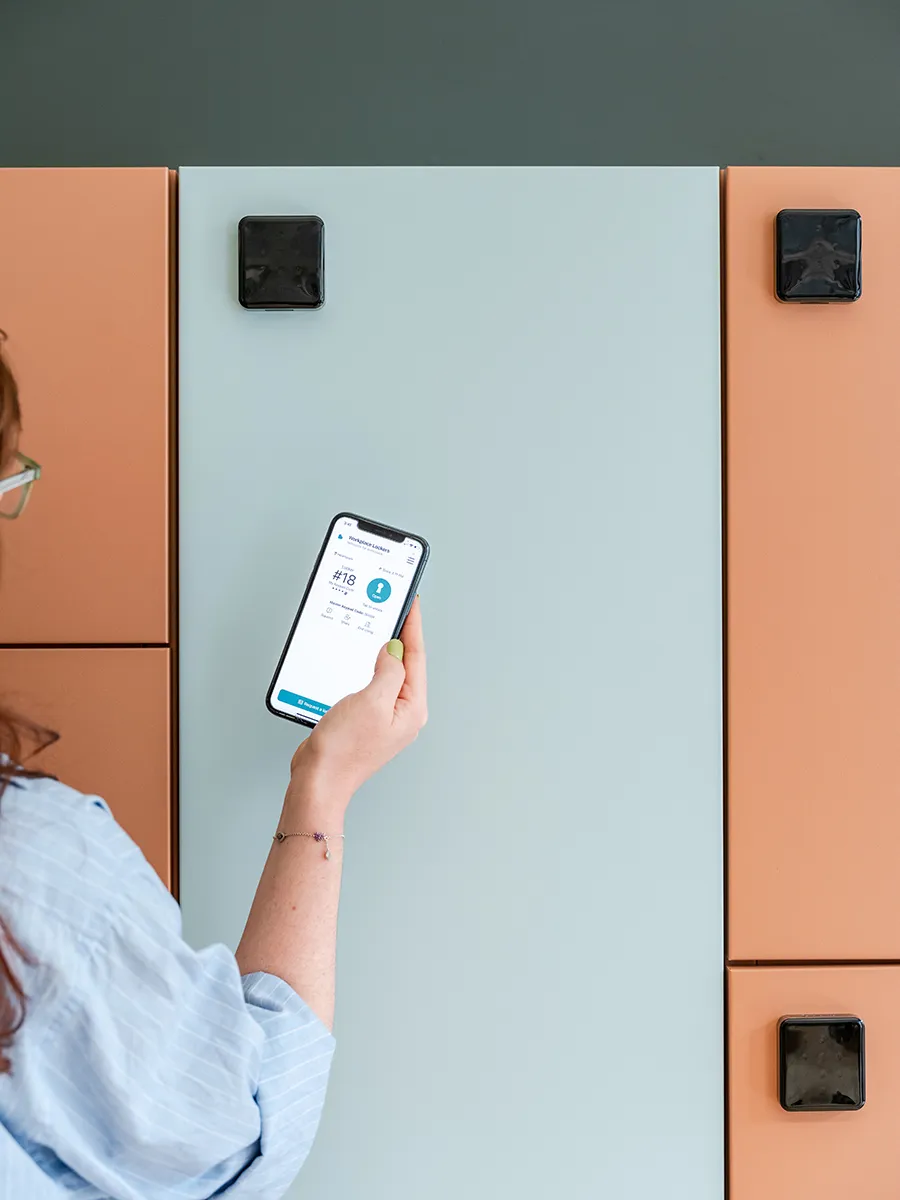
In a few minutes per door, a traditional locker becomes a smart, self-serve locker: users open it with their phone, access card or a PIN, and the whole bank manages itself from one dashboard.
Why retrofit your locker? Two reasons that matter.
1. Reuse your existing lockers
If the cabinets are in good shape, there’s no reason to replace them. The thing that’s actually letting you down is usually the lock and the way the bank is managed: lost keys, hoarding, no visibility, manual admin. A retrofit fixes that and keeps everything else, so you modernise the experience without the disruption of a full fit-out.
2. It’s the sustainable choice
Retrofitting is circular by design. It keeps perfectly good lockers out of landfill and, crucially, avoids the biggest carbon cost of all: manufacturing, shipping and installing a whole new bank of lockers. You reuse the cabinet you already have and change only the small part that needs it. Plus, the carbon footprint of a Yellowbox lock is very small, with a wired lock accounting for less carbon than a cup of coffee.
What does the process of a retrofit look like like in practice?
This is the question clients ask most, because they picture a big, disruptive project but it isn’t one. In practice it’s one of the simplest jobs we do.
- Simple to install. No specialist trade is needed; the locks go on with only a few basic components.
- A full lock switch-out in around 5 minutes per locker.
- Minimal disruption. A quick swap per door, so the facility keeps running while it happens. No rebuild, no downtime.
The basic steps are:
- Check the fit. We work out whether the existing holes line up with Yellowbox hardware, or whether any prep is needed.
- Remove the old locks. Whatever’s there now, key, combination or electronic, comes off.
- Prepare the doors. Drill any new holes and, if necessary, add a finishing plate where an old cut-out needs covering.
- Fit and go live. The Yellowbox locks go on and the system is brought online.
Wireless or wired retrofit?
Retrofit isn’t one single process; it depends on what you’ve already got. There are two common starting points:
- Wireless retrofit (the most common). For replacing a traditional keyed lock or an old digital lock. The new Yellowbox lock fixes onto the existing door with no cabling needed at the locker, so it suits almost any cabinet and is the quickest to roll out.
- Wired retrofit. For when lockers already have a wired setup. We reuse the existing cable runs and swap in a wired Yellowbox lock.
Will it still look good?
Yes. In almost every case it looks essentially the same, or better.
The lock mechanism is internal, so it’s hidden inside the door. On the outside, the Yellowbox pin pad sits neatly over the space the old lock left, covering any previous holes or cut-outs.
Occasionally, when an old lock’s mounting holes were an unusual shape, we add a finishing solution such as a clean, laser-cut cover plate over the old cut-out to keep it tidy and intentional.
What you get after a retrofit?
A retrofit gives you everything a brand-new Yellowbox Smart Locker System does:
- Open with what people already carry, now fully self-serve. Building access card, the Yellowbox app, an Apple/Google Wallet pass, Microsoft Teams or Outlook, or a PIN on the locker screen.
- Run any behaviour. Day-use, permanently assigned, team, visitor, parcel or equipment lockers, all on one platform.
- A self-managed system from one dashboard. Live status and usage, real-time battery levels, a full audit trail, SSO sign-in, anti-hoarding, accessible-locker settings, and live in-app support.
The only things a wireless retrofit gives up versus a fully wired system are in-locker device charging and the always-on reliability of a wired connection. That’s worth weighing if those matter for your site, and both are available if you go wired.
See what a retrofit would look like for your lockers
Send us a photo of your existing lockers and we’ll show you how a retrofit would work, and how quickly.
FAQs
Can existing lockers be made smart without replacing them?
Yes. A smart lock replaces the existing lock on each door while keeping the cabinet, so a traditional bank becomes a smart locker system with no new furniture.
Is it complicated or disruptive to install?
No, it’s one of the simplest jobs we do. No specialist trade is needed, and the facility can usually keep running while it happens, at around 5 minutes per locker.
What’s the difference between a wired and a wireless retrofit?
Wireless locks fix to the door with no cabling, power or network and suit almost any locker; most retrofits are wireless. Wired retrofits reuse existing cabling when it’s already there, and add the option of in-locker device charging and a constant wired connection.
Can you replace another brand’s smart locks?
Yes, and it’s often the simplest retrofit, because the doors are already set up for smart locks. We reuse that groundwork and switch you to Yellowbox.
Do we need new wiring or changes to our joinery?
Usually not. If your lockers are already wired we retrofit wired-for-wired. If they’re not, we fit wireless. Either way there’s no need to route new cabling through your furniture.
Will the lockers look different afterwards?
They look essentially the same. The biggest change is internal, and the pin pad covers the old lock’s footprint. If an older lock leaves an unusual hole, we can cover it neatly with a cover plate.
Is a retrofitted locker as secure and sustainable as a new one?
Yes. It’s the same reliable hardware with the same low-carbon footprint, just on your existing cabinets.
Planning your workplace locker strategy?
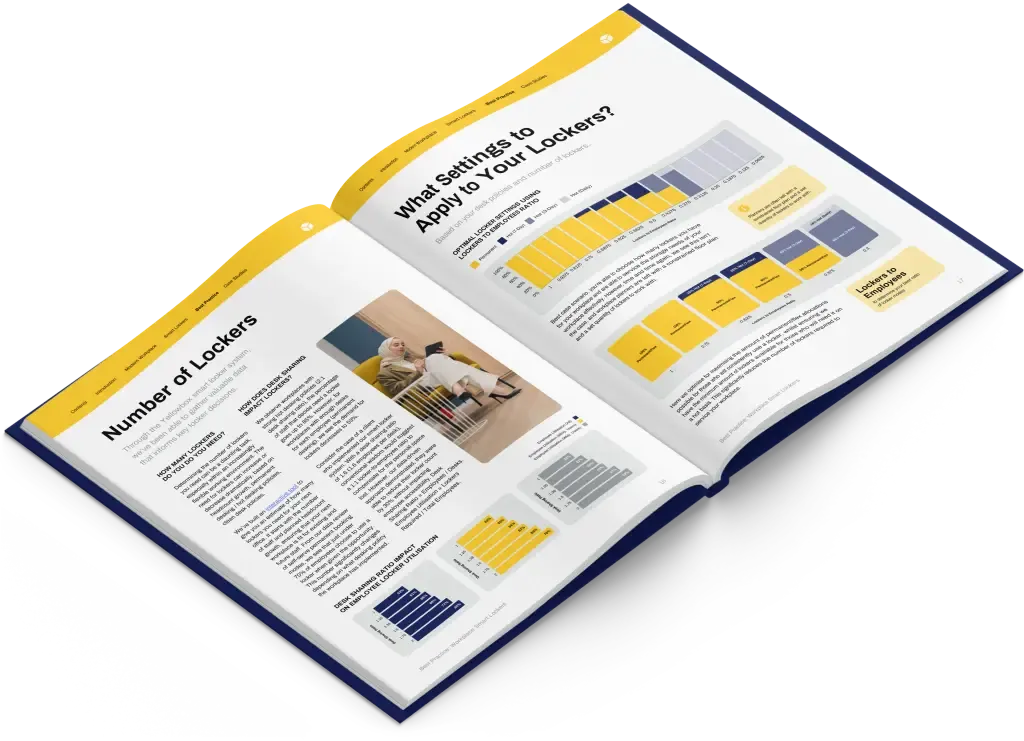
Get the best-practice guide to planning, implementing and managing workplace lockers, with insights from hundreds of workplaces.