As hybrid work and flexible occupancy become standard in 2026, many offices are rethinking fixed desks in favour of hot-desking models. This article explores what you must know before switching—covering readiness, ratios, technology, change management and more.
Why offices are moving to hot-desking
Hot desking has become a typical component of the modern workplace. Driven by a clear shift towards a hybrid working model, in which 74% of companies are transitioning into. Research shows that desks in offices are empty almost 60% of the time (Global Workplace Analytics).
The benefits of hot-desking
The benefits of hot desking are clear:
-
Reduced costs of running the office (estimated at around 30%).
-
Saving of floor space (estimated at 15-25%).
-
Greater collaboration and social culture between employees.
-
Accommodates for remote employees, consultants, part-timers, interns.
-
Disperses hierarchy within the office.
Three challenges to manage
Although there are three key drawbacks that need to be overcome to reduce friction and manage change.
Loss of employee homebase
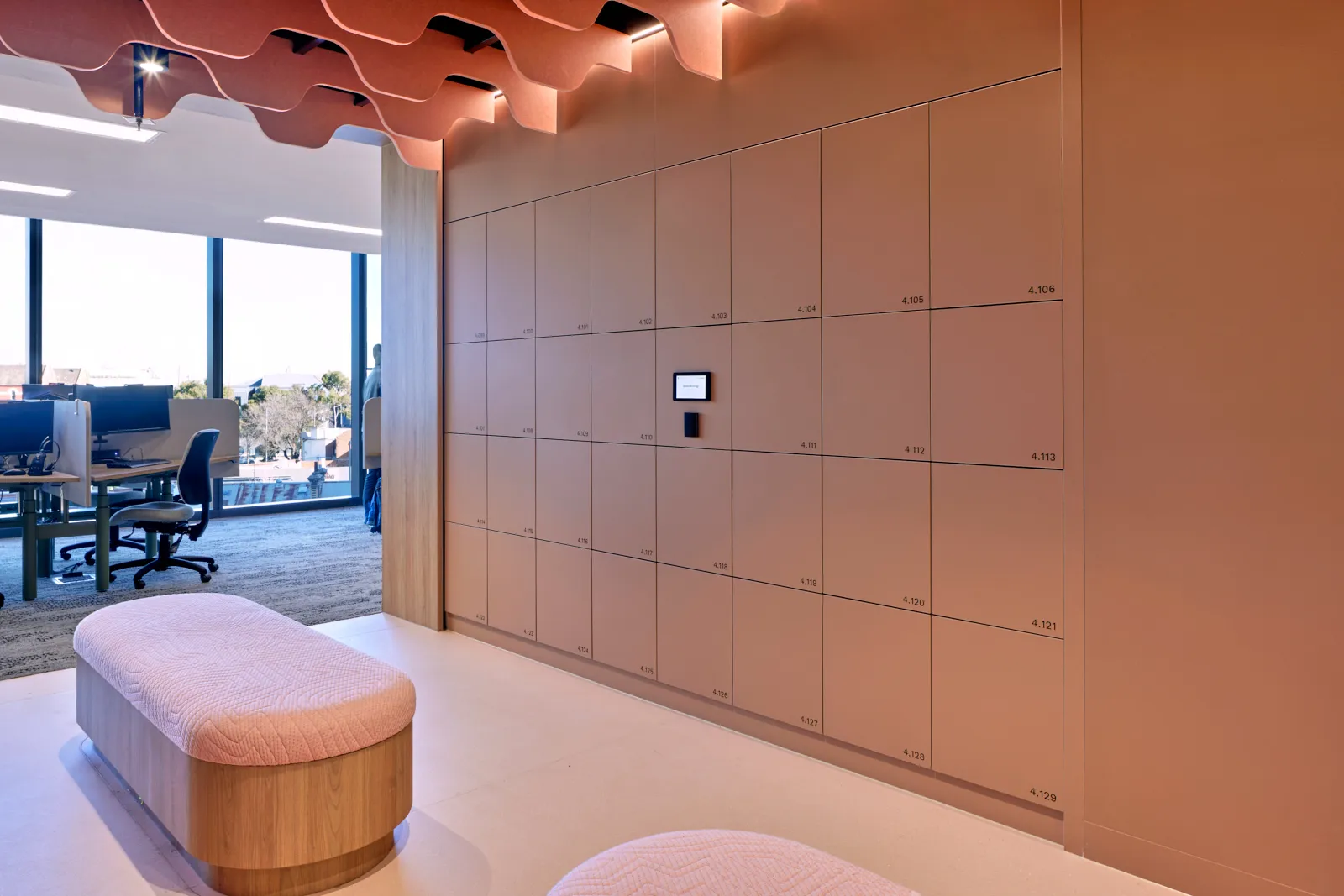
Employees have previously found comfort and security from their own permanent desk and cabinet. In any transition to a hot desking model, employees need a homebase, e.g. a storage locker, to supplement the loss of secure space. The need for storage lockers is more critical given the unpredictability of who is in the office and general access to hot desking areas.
Increased uncertainty for employees
Employees will now have multiple decisions and unknowns before each work week, from deciding on which days to come into work (typically based on team) and not knowing if there is an available seat for them when in the office. Multiple workplace management platforms exist to co-ordinate teams and book desks. This will reduce any anxiety caused from increased uncertainty within the employee user journey.
IT configuration
Permanent desks meant that desktop computers could be setup along with phone lines – setup for the relevant employee. Employee technology needs to be flexible with laptops that can be plugged into available monitors. Investment into appropriate IT resources is important in enabling hot desking.
Managing the change
The transition to hot desking is a form of change management that will create friction within the workplace. It is critical within a workplace change management strategy to keep employees informed and provide the necessary resources for them to thrive within a hot desking model, e.g., storage lockers, flexible technology, and platforms to co-ordinate office days.
FAQ's
What is a day-use locker?
A smart locker a user secures for the day or a temporary period, rather than keeping permanently. They suit offices, schools, universities and public spaces with more potential users than locker spaces, with the system automatically allocating a free locker to whoever needs one that day.
What is the difference between assigned, self-managed and day-use (hot) lockers?
Assigned lockers are kept permanently by one person. They suit full-time staff or specialist teams. Self-managed lockers are the most common in practice: people self-book a locker and keep it until they no longer need it, with no hard time limit, giving the right people a permanent spot without the admin. Day-use (hot) lockers are claimed when needed and released back to the pool, suiting hybrid staff. A good platform runs all three on the same hardware.
Do smart lockers reduce how many lockers you need?
Yes. Not everyone actually needs a locker: based on Yellowbox's data, only around 60 to 70 per cent of people do. Letting staff book their own, and tracking which lockers fall idle, shows who genuinely needs one, so you can provide fewer and save up to around 30 per cent on lockers and floor space.
What is a self-managed locker?
A self-managed locker is one an employee books for themselves and keeps until they no longer need it, with no hard time limit. It is the most common setup for Yellowbox workplaces.
Planning your workplace locker strategy?
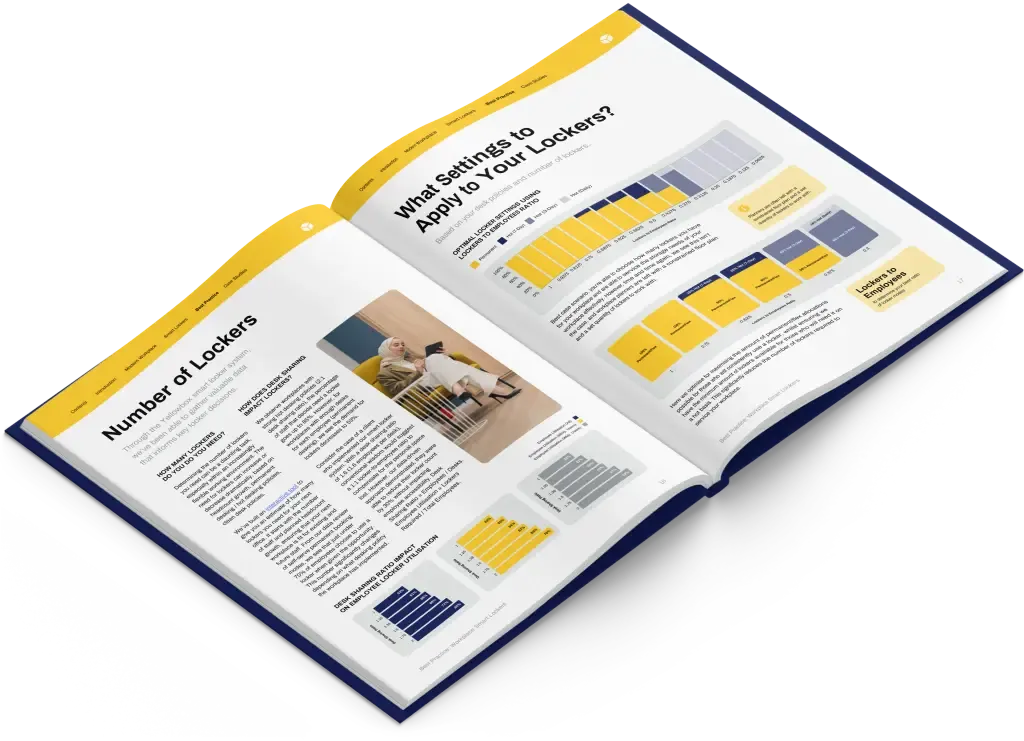
Get the best-practice guide to planning, implementing and managing workplace lockers, with insights from hundreds of workplaces.