Fewer lockers
Shared and dynamic modes
Save up to 35% of lockers and floor space, critical in high-density workplaces.


Architects and specifiers
The most integrated locker lock system for the modern workplace. Specify one system for any locker, with the access and management your client’s people will use every day.
Yellowbox is trusted by major global workplaces
Design considerations
What to plan for when you specify lockers for a flexible, high-density workplace, from floor space to finishes and the way people open them.
Shared and dynamic modes
Save up to 35% of lockers and floor space, critical in high-density workplaces.
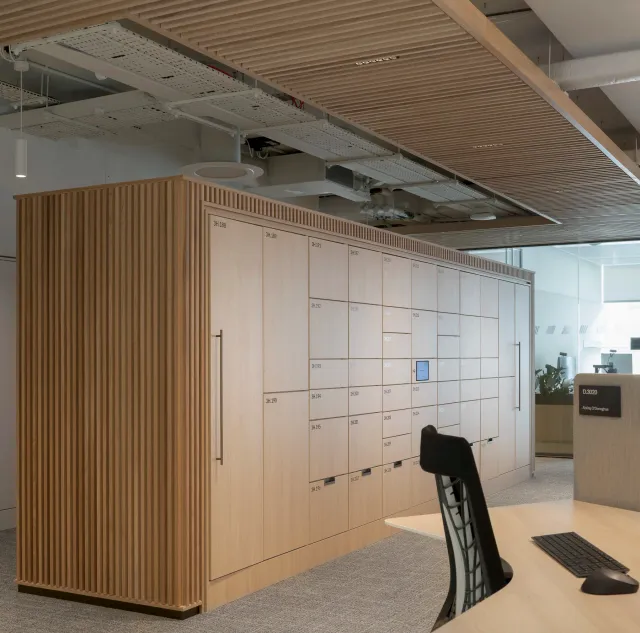
Wireless, free-standing
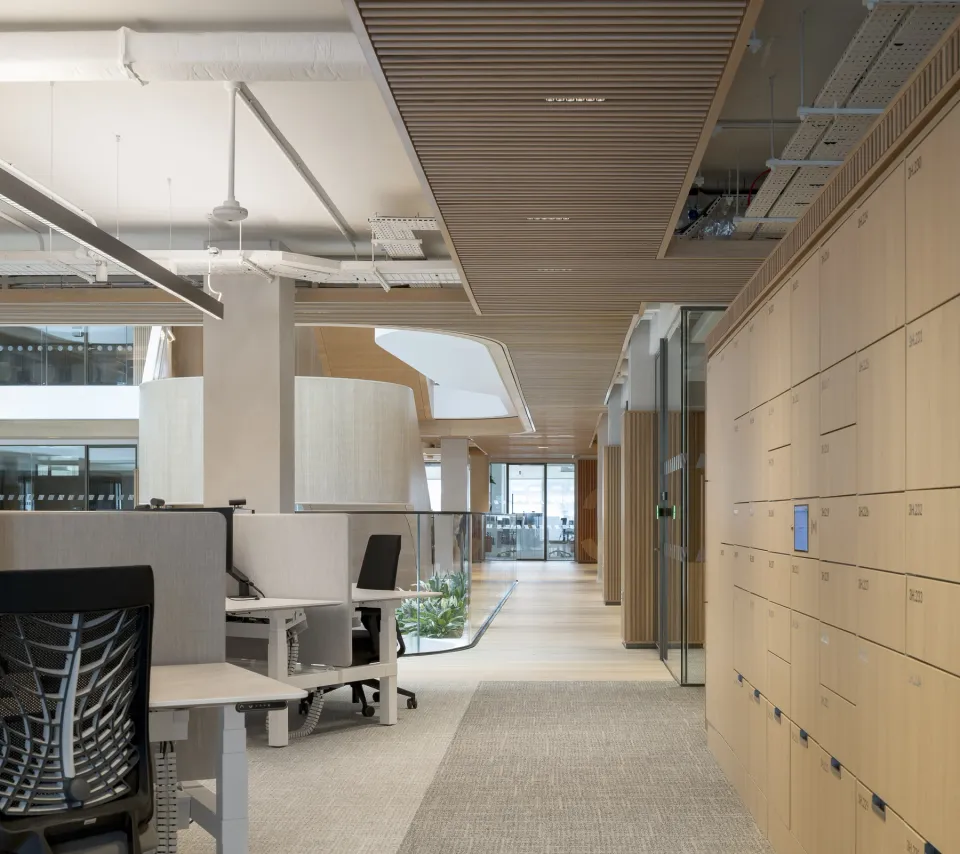
Modular banks zone an open-plan floor without power, with the same access and dashboard.
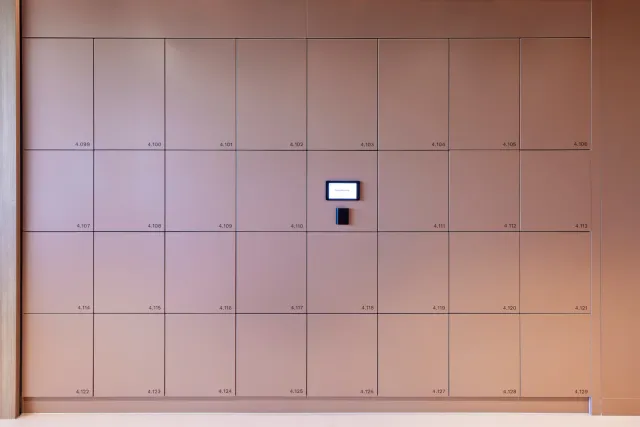
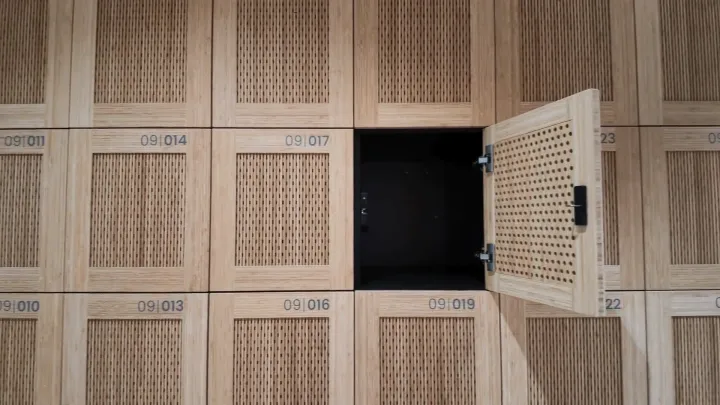
Doors that pop
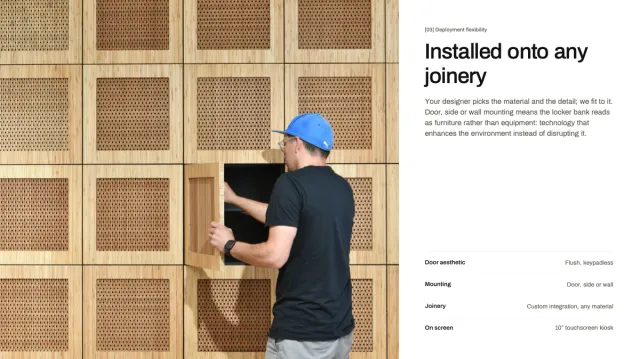
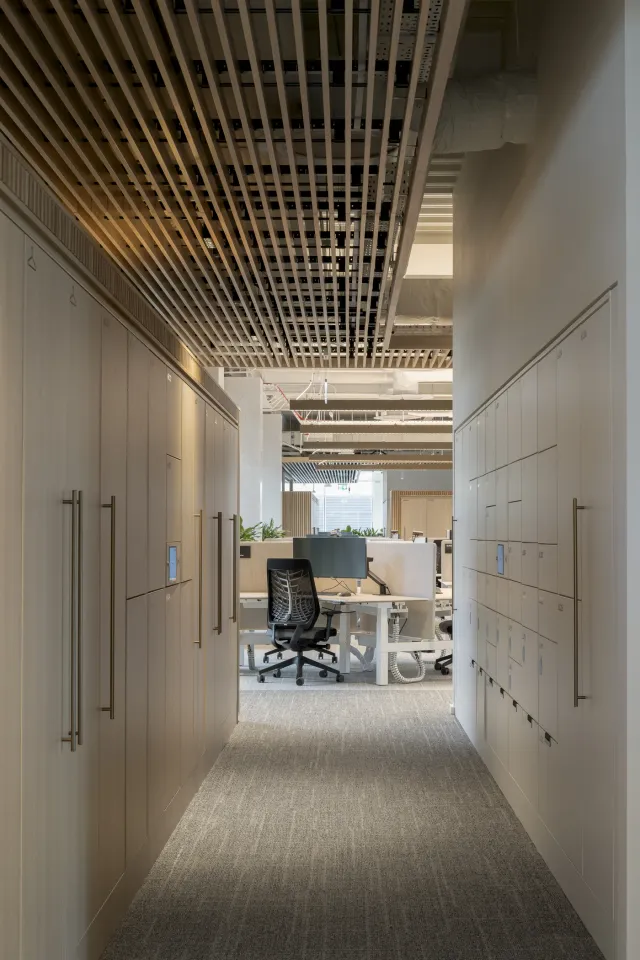
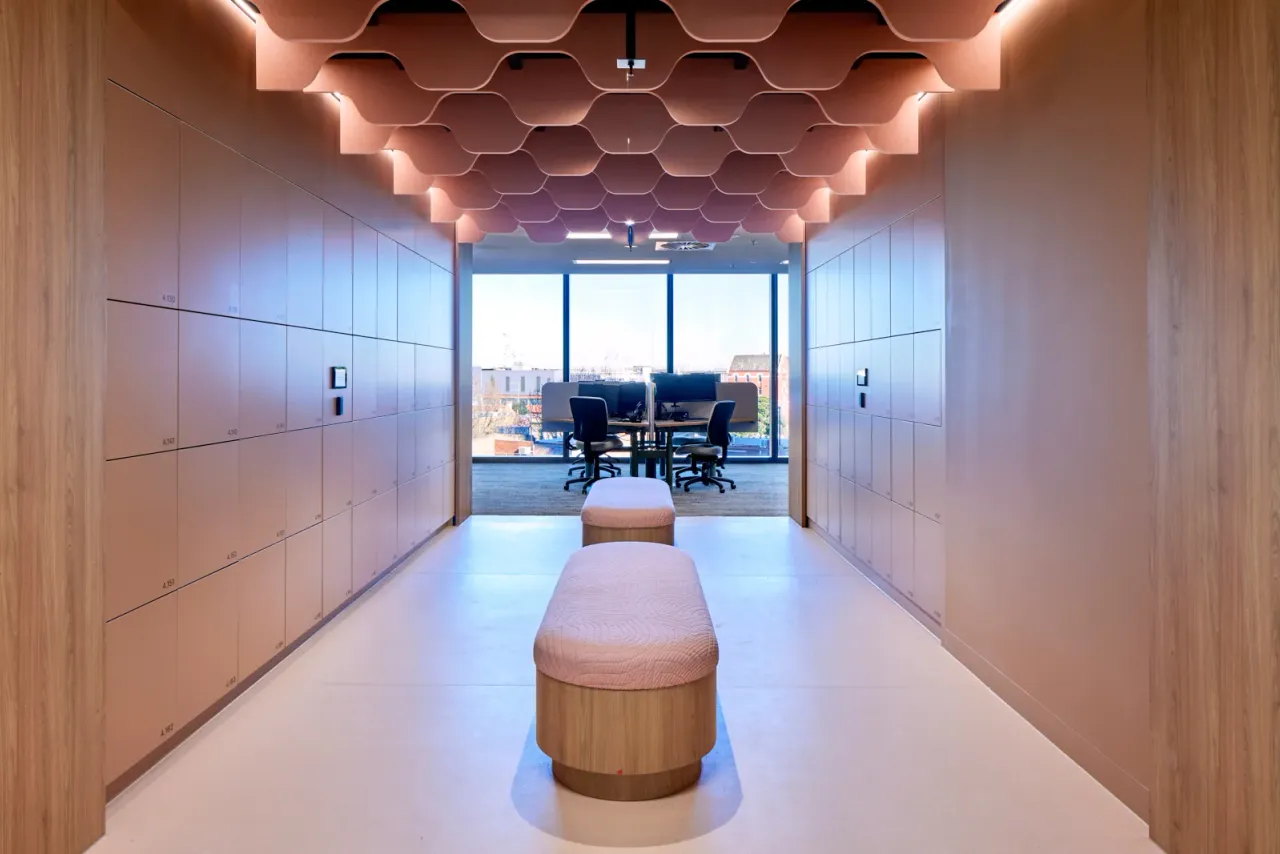
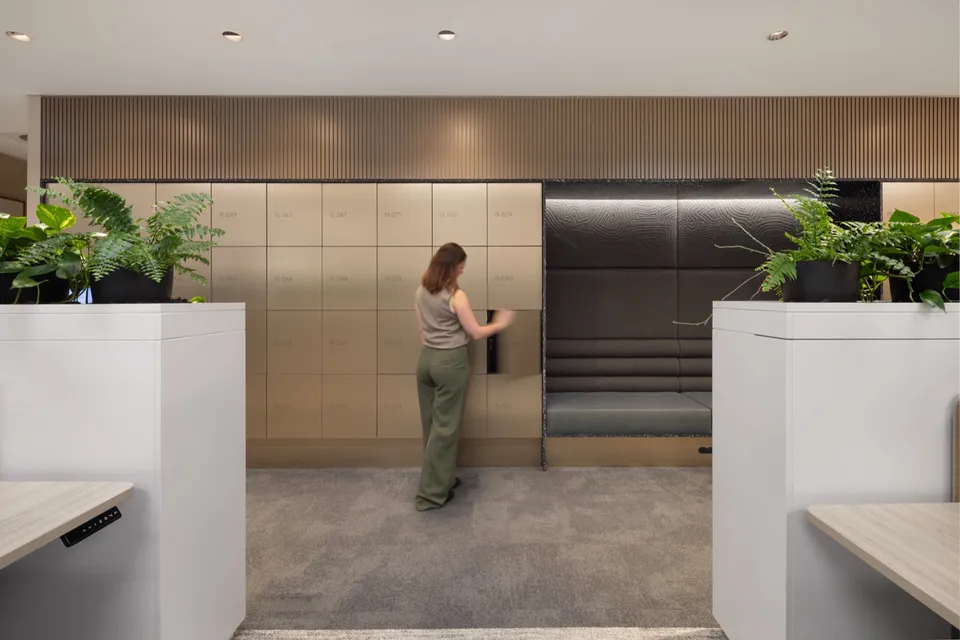
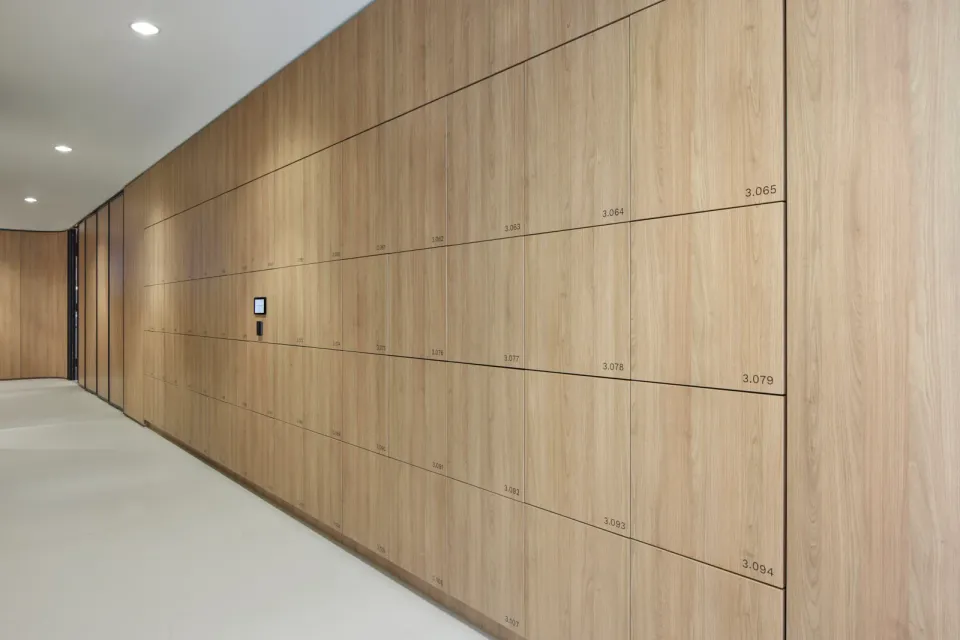
No handles or visible locks, with finishes and graphics to suit the fit-out.
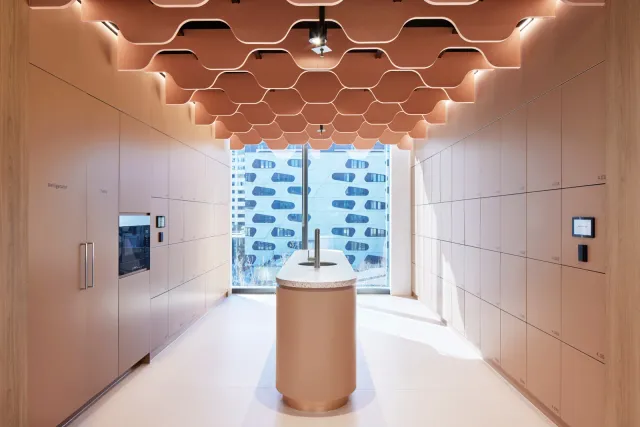
Kiosk and app
Touchscreen kiosks and app access that people understand on first use.
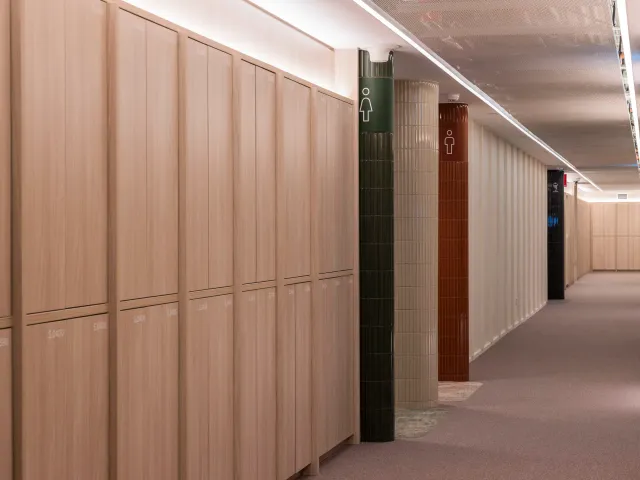
Timber, metal, laminate
Fit the locks to any carcass, from metal and laminate to bamboo or custom joinery.
For the people using them
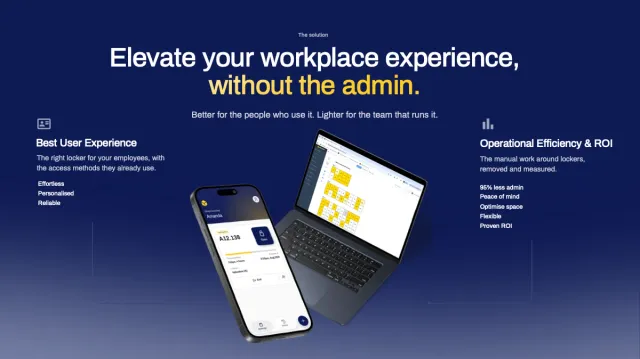
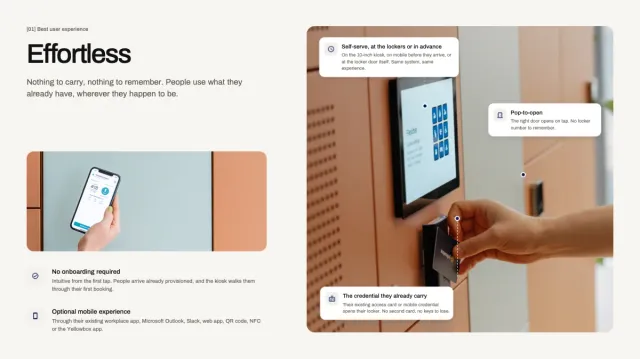
People find, book and open their own locker with the cards and apps they already carry.
Self-serve locker access and management for the people using them.
The app, an RFID card, Microsoft Outlook, Microsoft Teams or a touchscreen PIN.
A 9 out of 10 rating for the user experience.
For the team running them
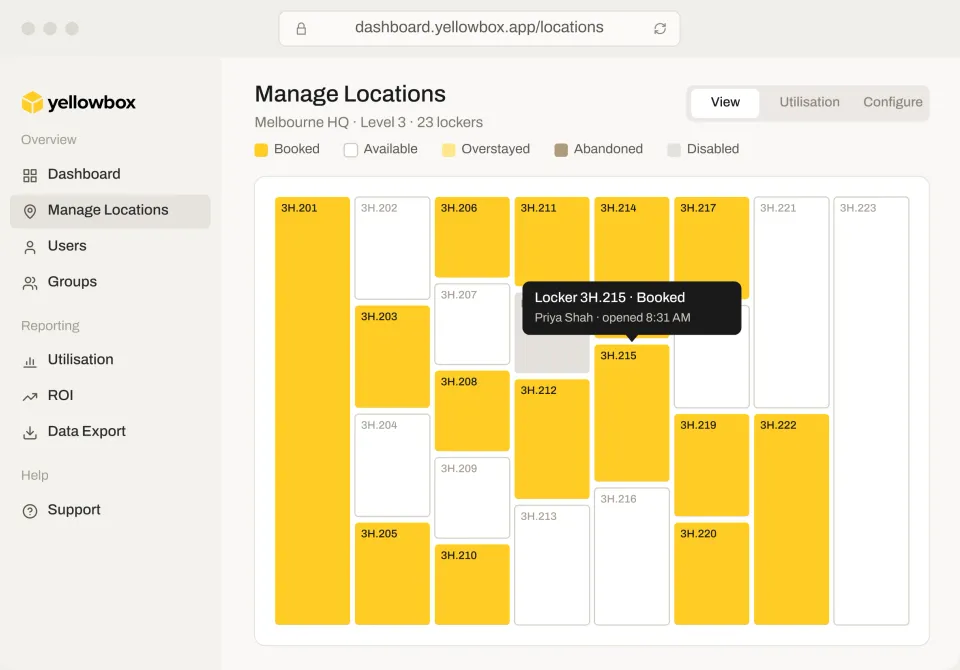
Set the rules once, then let the system onboard people, manage lockers and connect to the tools the workplace already runs.
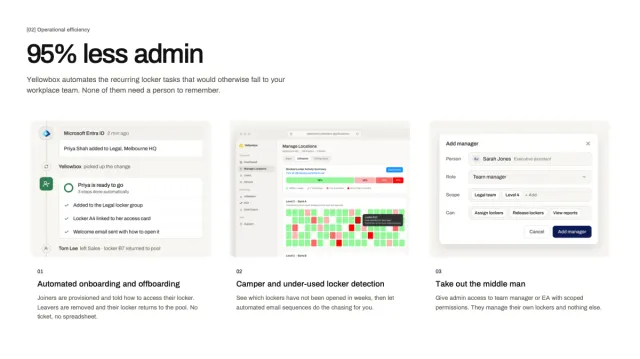
Onboarding and day-to-day locker management run automatically.
Manage users and lockers, and configure features, from one dashboard.
Integrations with the identity, access and workplace systems already in place.
Customer story
“We were looking for an innovative locker system. Yellowbox suited our needs perfectly, with flexible access methods and the ability for staff to monitor usage.”
Smart locks
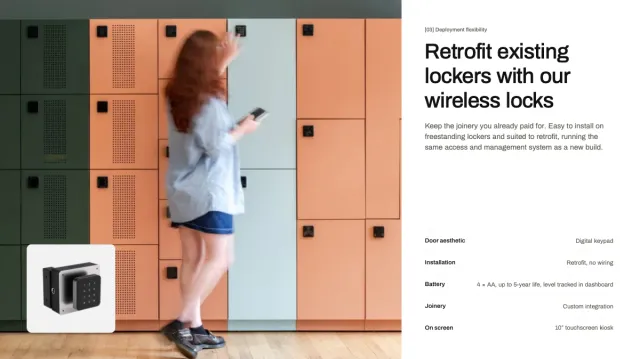
Easy to install. Works with any locker or cabinet, with the same access methods and dashboard for both.
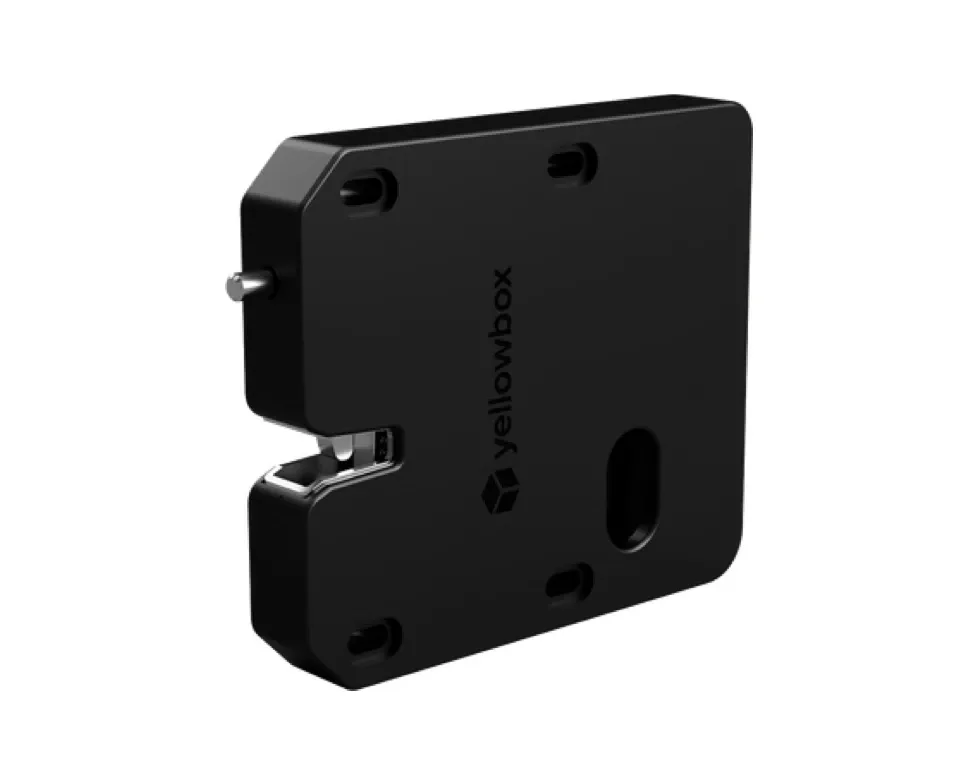
Wired lock
No batteries to replace
The most hands-off locker system: reliable, secure and self-healing, with an optional device charging and LED light add-on.
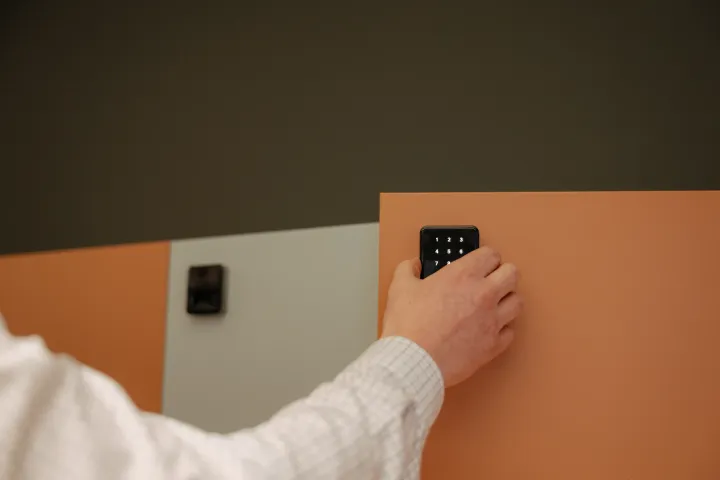
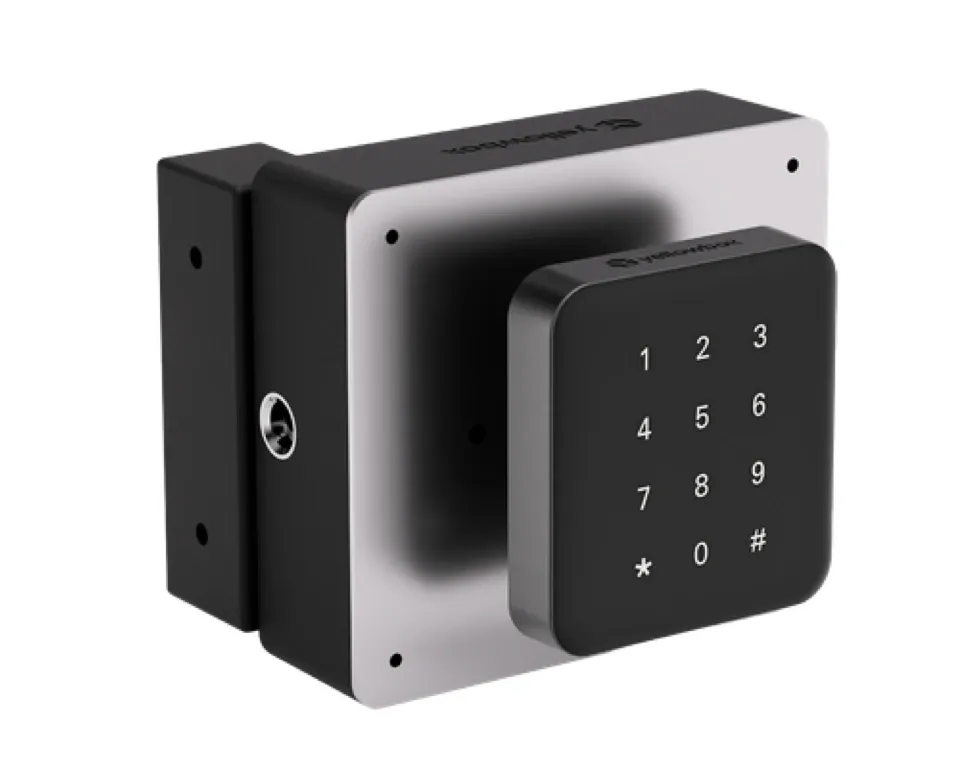
Wireless lock
Up to 5 years per battery set
Easy to install or retrofit onto any locker, with no on-site servers or network connection required.
Our 2026 brochure covers how it works, what it saves and the workplaces already running it, in one PDF for IT, facilities and finance.
Thank you. We’ll email the brochure to you shortly.
Oops! Something went wrong while submitting the form. Please email contact@yellowboxglobal.com if you are unable to submit the form.