
You may have come across a wide range of different types of lockers with one emerging trend; they’re all becoming smarter. Electronic lockers, digital lockers, computerised lockers, automated lockers and IoT lockers are all descriptors for smarter lockers.
But what exactly is a smart locker system?
Smart locker systems are lockers that utilise apps, codes or RFID cards to open up specified lockers tied to a user. What makes the system smart, is the ability to allocate and authenticate users to the assigned locker, whilst keeping track of which lockers are currently being used.
But what does that mean?
It means multiple users can use a locker, at different times without the friction of having management continuously handing over and collecting keys or codes. This saves countless hours of administration time, and you need less lockers to provide storage for the same number of users.
Smart locker systems evolved to create a frictionless and feature rich experience for users and management. In fact, smart locker systems have increasingly been developing integrations with access control, apps and active directories to streamline the onboarding process for users. For example, users using their existing access card or work login into an app to access their locker.
How does a smart locker system work?
So how does a smart locker system work for users?
Depending on the system, smart lockers provide multiple ways of access and methods to authenticate and open a locker for a user. Popular options include:
How users open a smart locker
Card
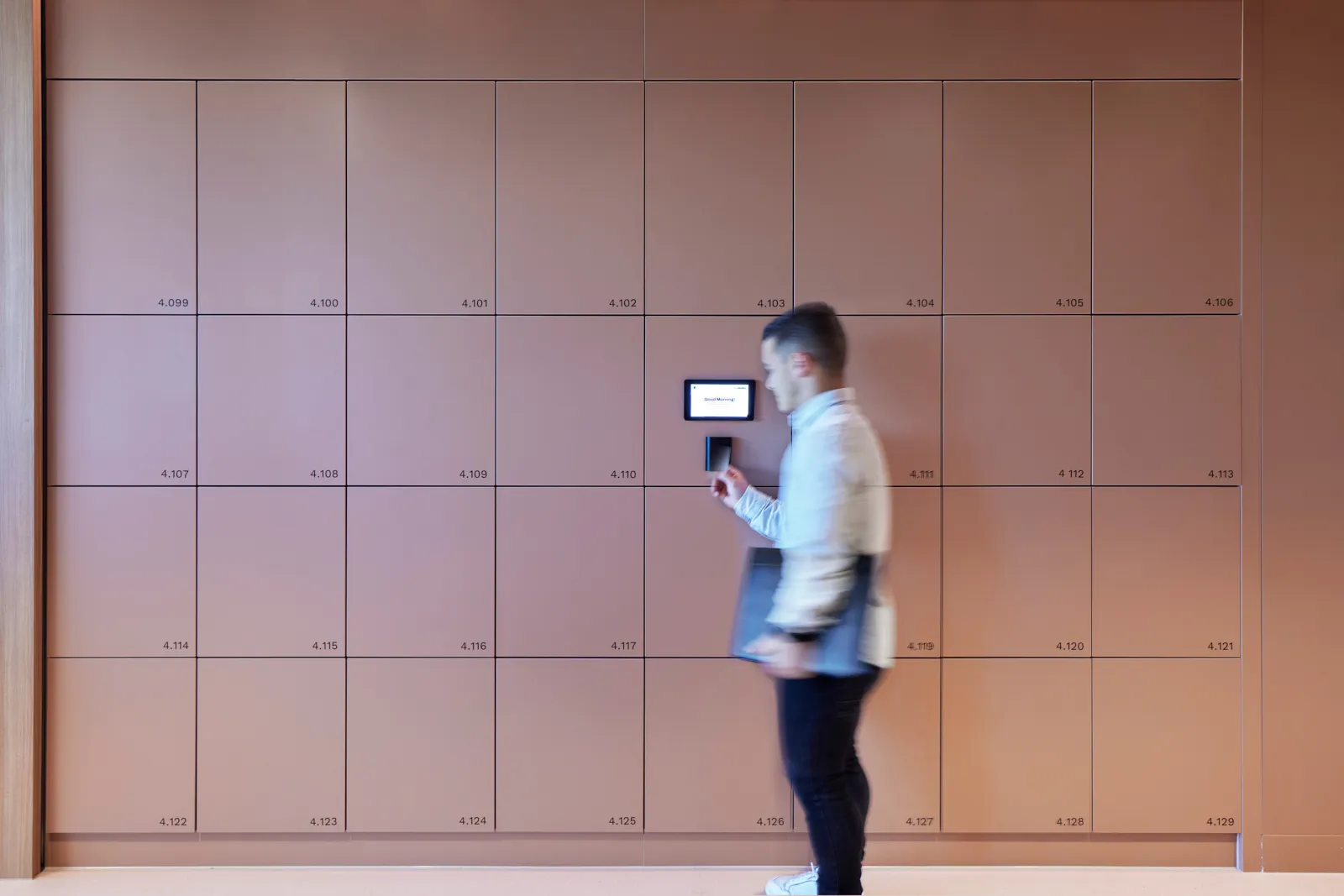
- Users tap their card/fob onto a reader, which authenticates them, matching up with the correct locker to open.
- Implemented through either an integration with access control, or uploaded CSV and a pre-allocation of lockers.
- Users don’t need to remember any details, just tap and open.
- Mobile credentials are beginning to take place of physical badges, with locker systems like Yellowbox allowing for Apple and Google Wallet access.
Mobile App
- Users can book a new locker with choices (e.g. size of locker), or manage their allocated locker. A one tap button via an app will unlock the locker.
- Provides a multitude of options, including user support, payment processing, notifications, temporary/permanent/shared lockers and locker transfers.
- Users don’t need to keep hold of their card, or remember any details, as the app keeps track of the locker number and opens the right locker.
Codes (via a screen or terminal)
- Users create or are auto-generated a 4-6 digit code as their authentication method. This code is input to unlock and open the assigned locker.
- Users need to remember their code and their locker number. They input their locker number and then enter in their code.
- Typically used for Visitors or as a secondary access method.
Ultimately, a smart locker system can be configured to operate how you want it to operate, in order to maximise experience for your users and management.
Smart locker systems may look complex when you’re first handed a feature list, but they’re easy to install and it’s simple to use. At the end of the day, smart locker systems exist to increase security, reduce hours of administration time, and create a more seamless experience for all users and management.
FAQ's
How does a smart locker system work?
Smart lockers use apps, codes or RFID cards to open lockers tied to a user. The system allocates and authenticates each user to their locker and tracks which lockers are in use, so lockers can be assigned, opened and released automatically, without management handing over and collecting keys.
How do you open a smart locker?
Ideally with a credential people already have: a building access card or RFID fob, a mobile app, a digital wallet pass (Apple or Google Wallet), a PIN, or a touchscreen kiosk. Some systems also allow access from workplace apps like Microsoft Teams or Outlook.
How is a smart locker different from a traditional locker?
A traditional locker uses a physical key or combination. A smart locker connects to software, so there are no keys to lose or reassign, usage is tracked in real time, and the whole locker bank is managed remotely.
Do smart lockers reduce how many lockers you need?
Yes. Not everyone actually needs a locker: based on Yellowbox's data, only around 60 to 70 per cent of people do. Letting staff book their own, and tracking which lockers fall idle, shows who genuinely needs one, so you can provide fewer and save up to around 30 per cent on lockers and floor space.
Can a smart locker system integrate with our access control?
The better systems integrate directly with common access control and identity platforms, and with a company active directory, so staff use one credential and provisioning happens automatically when people join or leave.
Planning your workplace locker strategy?
Get the best-practice guide to planning, implementing and managing workplace lockers, with insights from hundreds of workplaces.