Case study · Workplace
Palo Alto Networks Singapore
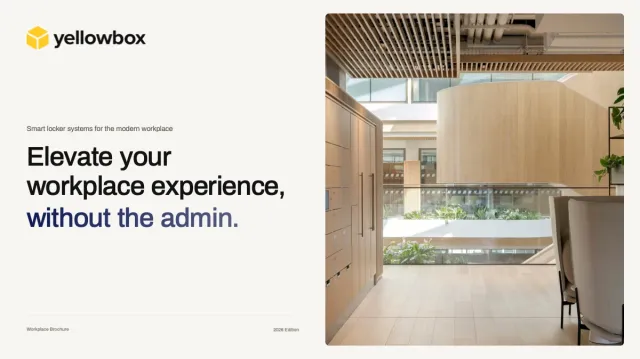
Wired smart lockers in Palo Alto Networks' Singapore office, opened with the building pass staff already carry and kept off the corporate network.
- Customer
-

- Location
- Singapore
- Locks
- Wired lock
- Live since
- January 2026

- 357
- admin hours saved each year (estimated)
- 94%
- of all opens are a tap of the building pass staff already carry
- 0
- locker devices on Palo Alto Networks' corporate network
Contents
Palo Alto Networks is a global cybersecurity company. For its office in Singapore, it wanted lockers that would work for a hybrid workforce, without adding another card for staff to carry or another device to its corporate network.

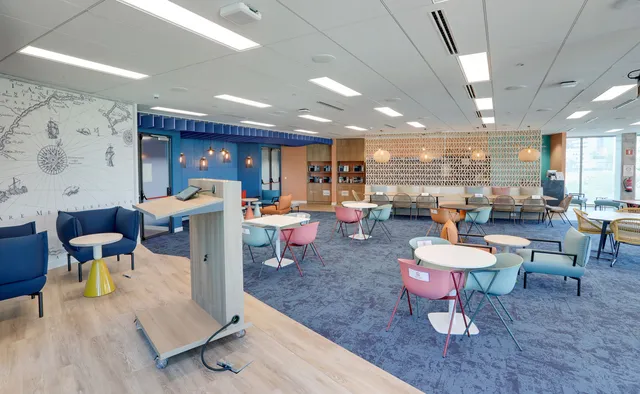
Palo Alto Networks’ office building in Singapore. Photo: Jnzl’s Photos, CC BY 2.0, resized.
The problem
The office needed lockers for around 400 people, including visitors. Palo Alto Networks set out four requirements:
- One pass for everything. Staff should be able to open their locker with a pass they already carry, rather than a new card just for lockers.
- Nothing on the corporate network. The lockers could not connect to Palo Alto Networks’ own network.
- Different kinds of locker. Permanent lockers for people who wanted their own, lockers staff could book for the day, and lockers for IT equipment.
- Light administration. A small team of three administrators would run the whole system.
The solution
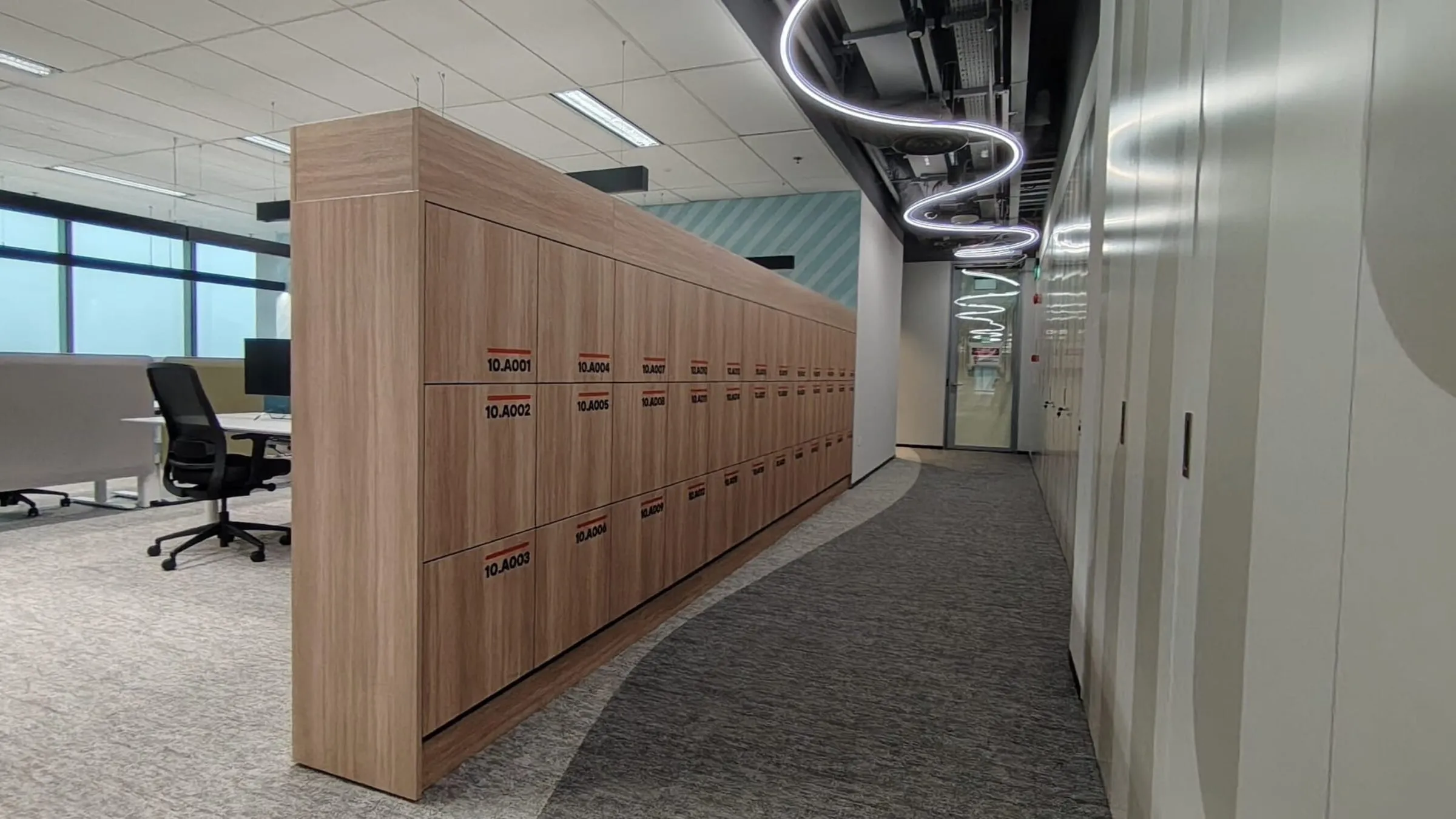
Yellowbox and its Singapore partner EXSTO built smart lockers into the office joinery, with timber and white fronts that match the fit-out. Yellowbox fitted every door with a wired smart lock and added touchscreen kiosks around the office.
Open with the building pass
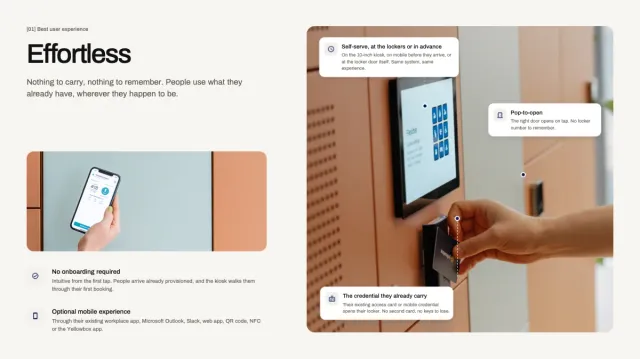
Yellowbox set the lockers up to read the building pass staff already carry. A staff member taps their pass on a reader by the lockers, and their locker opens. People can also use the kiosk touchscreen or the Yellowbox app when they need to.
Off the corporate network
The lockers connect to Yellowbox’s cloud through Yellowbox’s own 4G routers, so nothing connects to Palo Alto Networks’ network.
Assigned lockers and self-booking
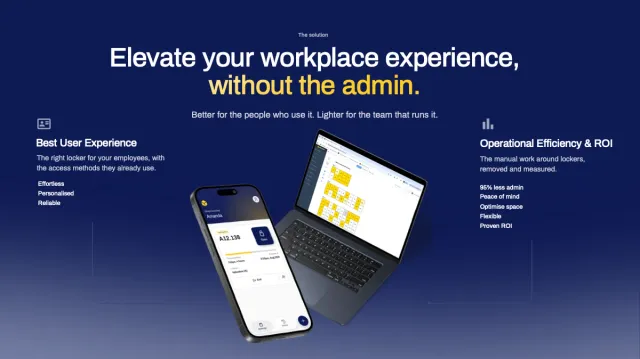
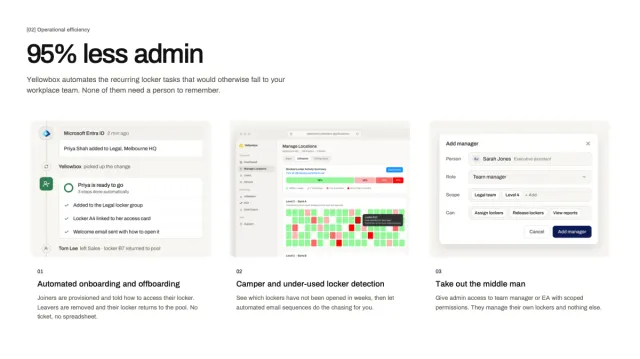
Administrators assign permanent lockers from the Yellowbox dashboard, and staff can book a free locker themselves at a kiosk or in the app. If a locker sits unused for 30 days, Yellowbox emails its holder, so lockers don’t get claimed and forgotten.
The results
- An estimated 357 admin hours saved each year compared with traditional locks, through automation and self-serve access
- More than 95% of opens are self-service, with no administrator involved
- 94% of all opens are a tap of the building pass that users already carry
- 83% of lockers allocated or booked