Case study · Workplace
Xero Sydney and Toronto
Wired smart lockers with kiosks across Xero's Sydney and Toronto offices. In Sydney, staff open theirs with the same Genea pass they use for the doors.
- Customer
-

- Offices
- Sydney and Toronto
- Locks
- Wired lock
- Integrations
- Okta and Genea
- 135
- admin hours saved each year in Sydney (estimated)
- 96%
- of Sydney opens are self-service, by pass or at the kiosk
- 92%
- of Sydney opens are a tap of the Genea pass staff use for the doors
Contents
Xero wanted lockers across both floors of its Sydney office that staff could open with the same pass they use on the office doors, and has since brought Yellowbox to its Toronto office too.

The problem
- One credential. Staff already use a Genea access pass for the building, as a card or in Apple Wallet. The lockers had to accept the same pass.
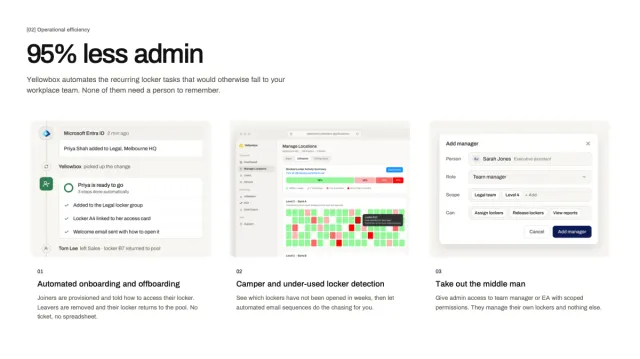
- No manual user lists. Okta is Xero’s source of truth for staff, so locker accounts had to come from it automatically.
- Permanent and hot lockers side by side. Some staff have their own locker, others book one when they are in, and people with a permanent locker can still book a hot locker.
- New and existing lockers. One floor had new lockers. The other had existing lockers to convert.
- Reporting. The workplace team wanted to see how each type of locker was used.
The solution
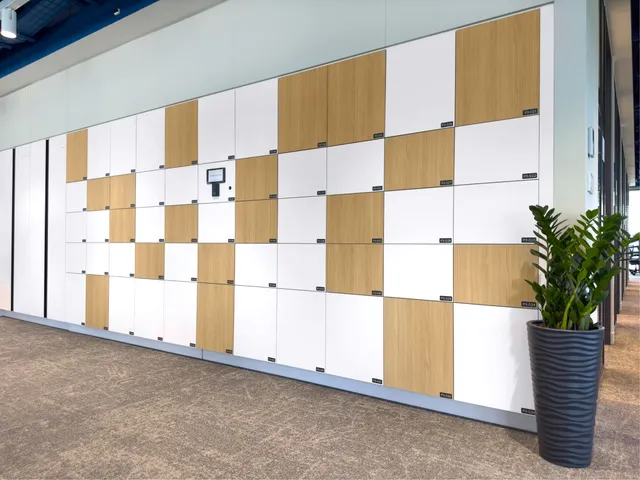
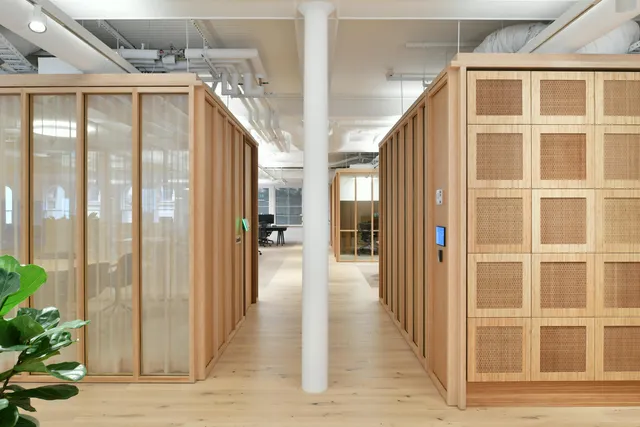
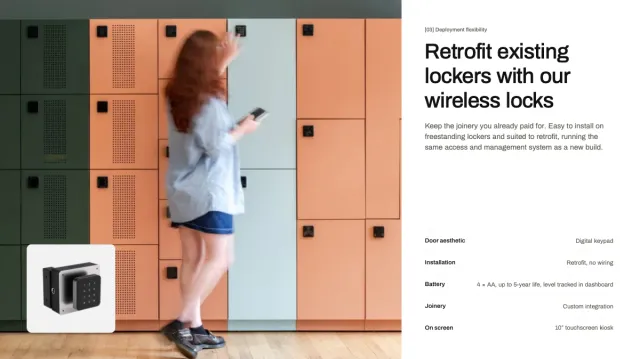
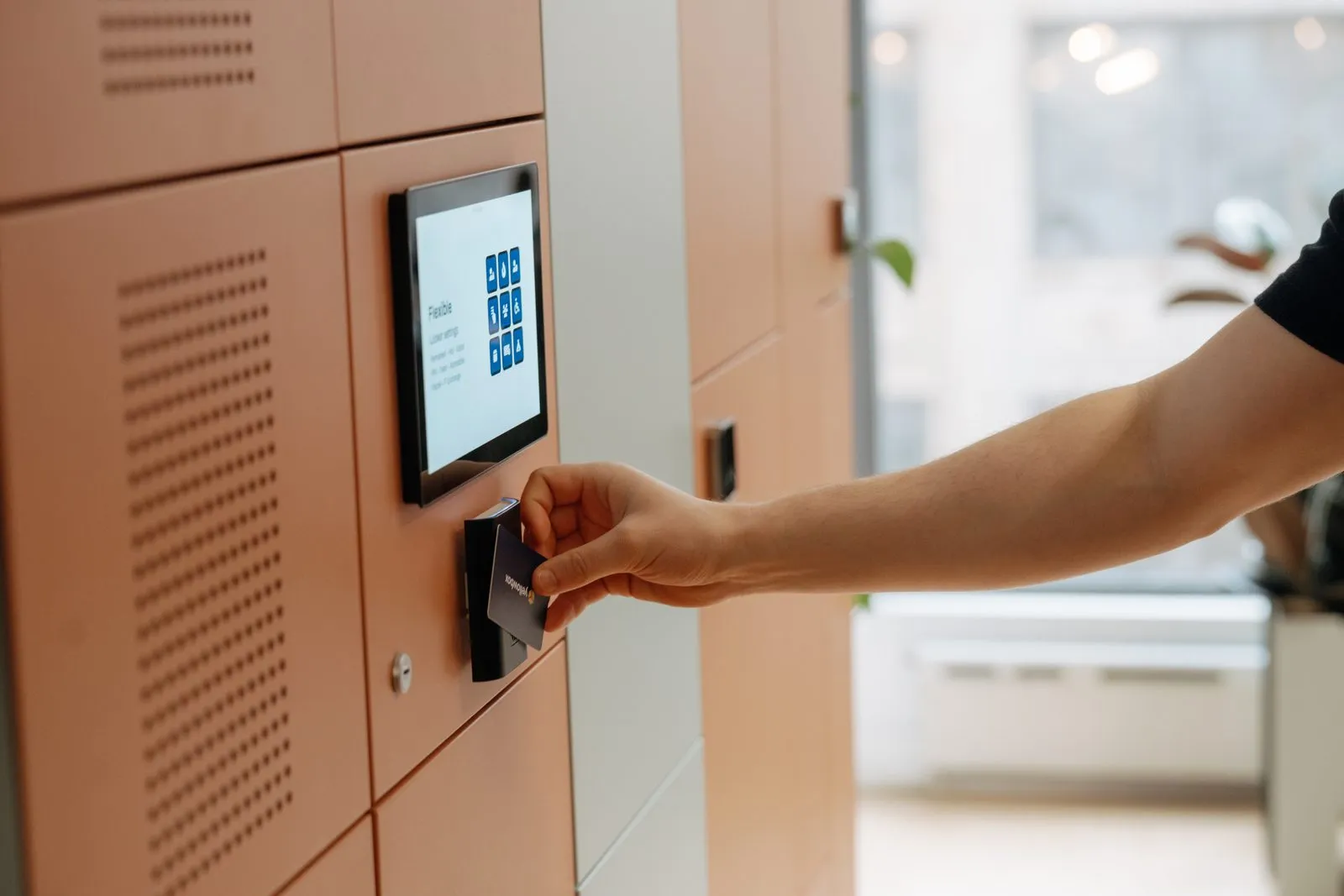
Yellowbox fitted the lockers on both floors with wired smart locks: new furniture on one floor and a retrofit of the existing lockers on the other. Three touchscreen kiosks with card readers sit in the locker banks.
Okta for accounts, Genea for access
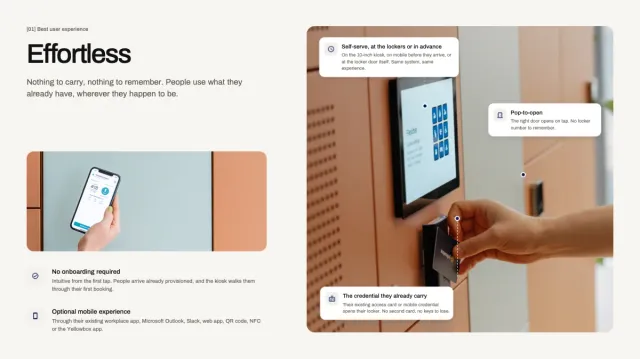
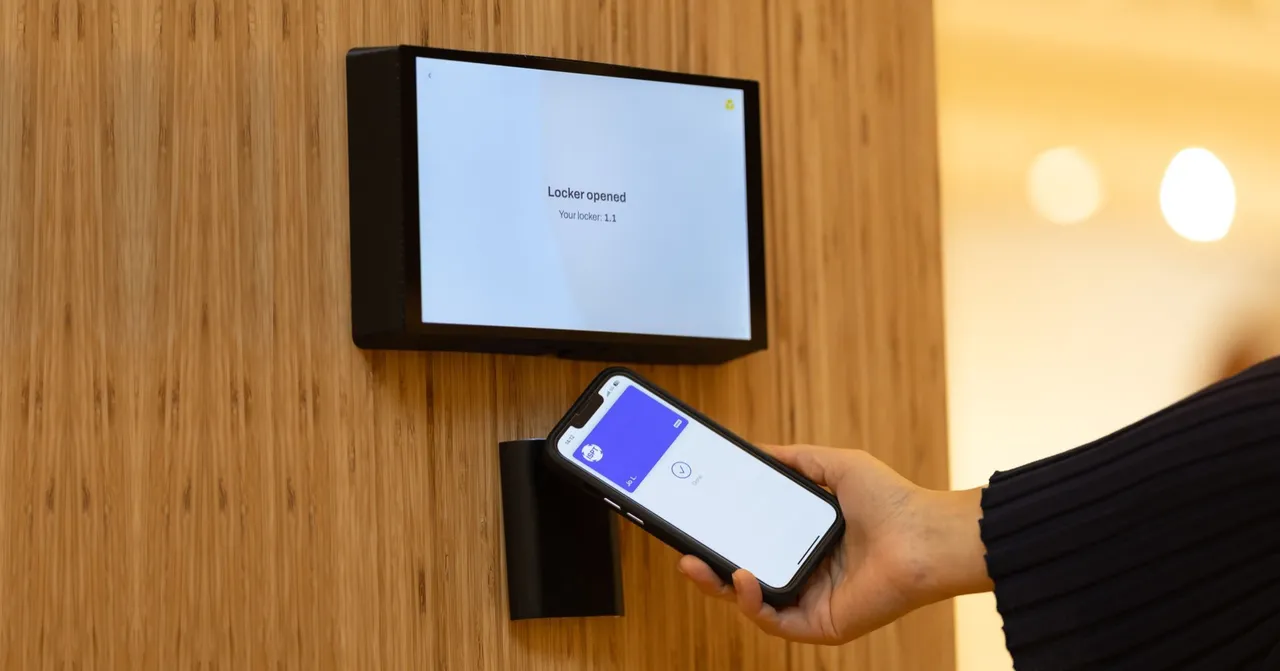
Yellowbox connected to Xero’s Okta, so staff accounts are created automatically. Genea then links each person’s access pass to their Yellowbox account. Staff tap the pass they use for the doors, on a card or in their phone wallet, and their locker opens.
Staff who prefer their phone can also sign in to the Yellowbox app with Okta.
Locker types and reporting
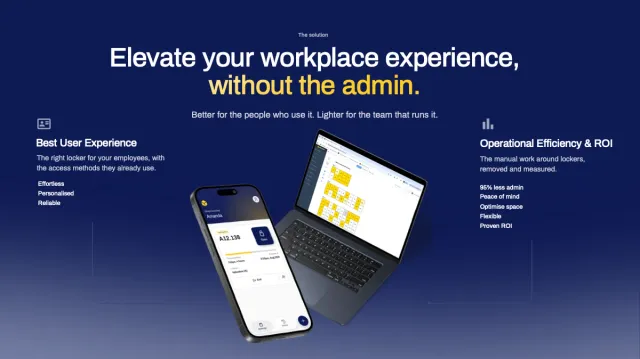
Each floor has a mix of permanent and hot lockers. Xero’s workplace team uses the Yellowbox dashboard and its reports to see how the lockers are used, including how many people use them each day.
Toronto
After Sydney, Xero asked Yellowbox to upgrade the lockers in its Toronto office. Its existing lockers, wrapped in Xero’s brand graphics, had an older electronic locking system.

Yellowbox replaced the old locks with the same wired smart locks as Sydney and built two touchscreen kiosks into locker doors.
The results
- An estimated 135 admin hours saved each year in Sydney compared with traditional locks, through automation and self-serve access
- 96% of opens are self-service, with staff tapping their pass or using the kiosk
- 92% of opens are a tap of the Genea pass. Staff don’t need the app or a separate locker card.
- No manual user lists. Accounts come straight from Okta, so nobody keeps a separate list of who can use the lockers.