
For large enterprises, IT and InfoSec review is now a crucial checkpoint in the smart locker procurement process, with data security and access control at the centre of it. These teams often have the ability to veto a project, so preparing yourself and checking vendors against the questions they most often ask will save you from shortlisting a system that will never be approved.
Why smart lockers now go through IT
Smart lockers used to be a facilities purchase. Today they connect to your identity provider, hold records of who used which locker and when, and sit on or near your corporate network. For enterprises, that puts them in front of the same IT and InfoSec review as any other workplace software.
Below are the nine questions IT and InfoSec teams at large enterprises most often ask about a workplace smart locker system. For each one, you’ll find why they ask it, what a strong answer looks like, and how Yellowbox answers it, so you can use the same questions to assess any vendor.
Identity and access control
1. How do employees get access to lockers, and what happens to their access when they leave?
Why they ask: access that isn’t removed when someone leaves is one of the most common security gaps auditors find, and manual locker administration makes it likely for small errors like this to slip through the gaps.
A strong answer: employees use the corporate identity they already have, and locker access is added and removed automatically from your identity provider through a standard such as SCIM, so leavers automatically lose access and don’t occupy lockers.
How Yellowbox does it: single sign-on with Microsoft Entra ID, Okta, Google Workspace and other SAML 2.0 providers, plus SCIM provisioning from Entra ID and Okta. When someone is disabled in your directory, their cards stop working and their lockers are released.
2. Who can administer the system, and what activity is logged?
Why they ask: when something goes missing or an audit asks who accessed what, IT needs a reliable record, and needs to know admins can’t see or change more than their role requires.
A strong answer: role-based admin access limited to the sites or lockers each person manages and the functions their role needs, and an audit trail of every locker opening that cannot be edited.
How Yellowbox does it: managers can be restricted to specific sites, locker banks or lockers, and to specific dashboard functions such as managing users, changing configurations or viewing audit trails. Every opening records who opened which locker, where, when and how, and audit logs cannot be edited or deleted.
Data security and privacy
3. How is our data encrypted, and where is it hosted?
Why they ask: locker records are company data and often contain personal identity data, so IT needs to know they’re protected and stored where your policies allow.
A strong answer: encryption in transit and at rest, with hosting that meets your data sovereignty requirements.
How Yellowbox does it: data is encrypted in transit and at rest (AES-256). Cloud hosting is available in Australia, the EU and the US to support data sovereignty, and Yellowbox can also be deployed on-premise.
4. How much personal data does the system need?
Why they ask: every piece of personal data a system holds adds privacy obligations and risk for the organisation.
A strong answer: the system collects only what the deployment needs, generally names and email addresses, ideally with an option to run without names or email addresses at all.
How Yellowbox does it: Yellowbox typically only uses the name and email address of each user. For security-conscious clients, Incognito Mode allows lockers to be run with no personal identity information like names or emails attached to accounts.
5. Can we export our data if we change provider?
Why they ask: access history and audit evidence need to survive a change of vendor, and IT wants to avoid being locked in.
A strong answer: a full export of users, history and audit records, available whenever you need it.
How Yellowbox does it: admins can export users, locker allocations, booking and access history and audit logs.
Independent assurance
6. What security certifications does the vendor hold, and how is the system independently tested?
Why they ask: independent certification lets InfoSec rely on audited evidence instead of reviewing every control themselves.
A strong answer: a current ISO/IEC 27001 certificate whose scope covers the software and infrastructure you will use, an independent SOC 2 certification, and annual independent penetration testing.
How Yellowbox does it: Yellowbox is ISO/IEC 27001:2022 certified, holds a SOC 2 Type 1 certification, and runs annual independent third-party penetration testing.
Network and resilience
7. Does the system need to connect to our corporate network?
Why they ask: every device on the corporate network is something IT has to assess, segment and monitor, and a potential entry point for an attacker.
A strong answer: you may choose to connect the system to your network, but it shouldn’t have to be. An option to keep locker hardware off the network entirely removes that work and that risk, which can make approval faster.
How Yellowbox does it: an off-network option connects lockers through a dedicated 4G router, with no involvement with your network. Bristol Myers Squibb and ASX-listed financial services company Perpetual both chose this off-network setup when working with Yellowbox to meet their security standards.
8. What happens if the network or cloud goes down?
Why they ask: if lockers stop working during an outage, people can’t reach their belongings, and the outage turns into a queue at reception or a facilities incident.
A strong answer: the system keeps working locally when the connection drops, so people can still get to their belongings; only changes, such as new bookings, wait for the connection to return.
How Yellowbox does it: if a site loses its internet connection but keeps power, existing bookings keep working by access card, Yellowbox app and PIN. Controller software restarts itself automatically after a fault. Yellowbox measures uptime continuously, checking every locker controller every five minutes: across the global fleet, platform uptime is over 99.5%, and a typical Yellowbox locker bank is online 99.9% of the time (measured across thousands of controllers globally in 2026).
Security at scale
9. How is security kept consistent across many sites?
Why they ask: across a large estate, every separately configured site is another place for gaps to appear.
A strong answer: every site runs on one platform connected to your identity provider, with scoped admin rights for local teams rather than separate systems. In practice, that means:
- One policy, every site. Identity integration, admin roles and audit logging run on one platform, so a new site uses the same controls rather than a separate setup.
- Central control, local administration. Central teams see every site; local managers only manage the sites, banks or lockers assigned to them, with only the functions their role needs.
- One audit trail. Investigations and access reviews cover the whole estate from one place.
How Yellowbox does it: every site runs on one smart locker platform, with site-scoped admin roles and a single audit trail. London Stock Exchange Group selected Yellowbox through a tender to support its current and future workplaces, with Active Directory integration and global management.
Smart locker security checklist
| Question | A strong answer | How Yellowbox does it |
|---|---|---|
| 1. How do employees get access to lockers, and what happens to their access when they leave? | Access through the corporate identity provider (SSO), with access added and removed automatically (SCIM) so leavers lose access straight away | SSO with Entra ID, Okta, Google Workspace and SAML 2.0; SCIM from Entra ID and Okta disables cards and releases lockers |
| 2. Who can administer the system, and what activity is logged? | Role-based admin limited to the locations or lockers each person manages and the functions they need, and a tamper-proof audit trail of every opening | Manager permissions by site, bank or locker and by dashboard function; every opening logged; audit logs cannot be edited or deleted |
| 3. How is our data encrypted, and where is it hosted? | Encryption in transit and at rest, with hosting that meets your data sovereignty requirements | Encrypted in transit and at rest (AES-256); cloud hosting in Australia, the EU and the US, or on-premise |
| 4. How much personal data does the system need? | Only what the deployment needs, with an option to run without names or email addresses | Typically name and email address only; Incognito Mode runs with no names or emails attached to accounts |
| 5. Can we export our data if we change provider? | Full export of users, history and audit records | Export of users, allocations, booking and access history and audit logs |
| 6. What security certifications does the vendor hold, and how is the system independently tested? | Current ISO 27001 with relevant scope, an independent SOC 2 report and annual penetration testing | ISO/IEC 27001:2022; SOC 2 Type 1; annual third-party penetration testing |
| 7. Does the system need to connect to our corporate network? | An option to keep locker hardware off the corporate network entirely | Off-network 4G connection |
| 8. What happens if the network or cloud goes down? | Existing access keeps working locally; only changes wait for the connection | Card, app and PIN keep working from the on-site controller, with the app connecting by Bluetooth; over 99.5% platform uptime |
| 9. How is security kept consistent across many sites? | One platform and policy across every site, with scoped local admin and one audit trail | One platform, site-scoped admin roles and a single audit trail |
Planning your workplace locker strategy?
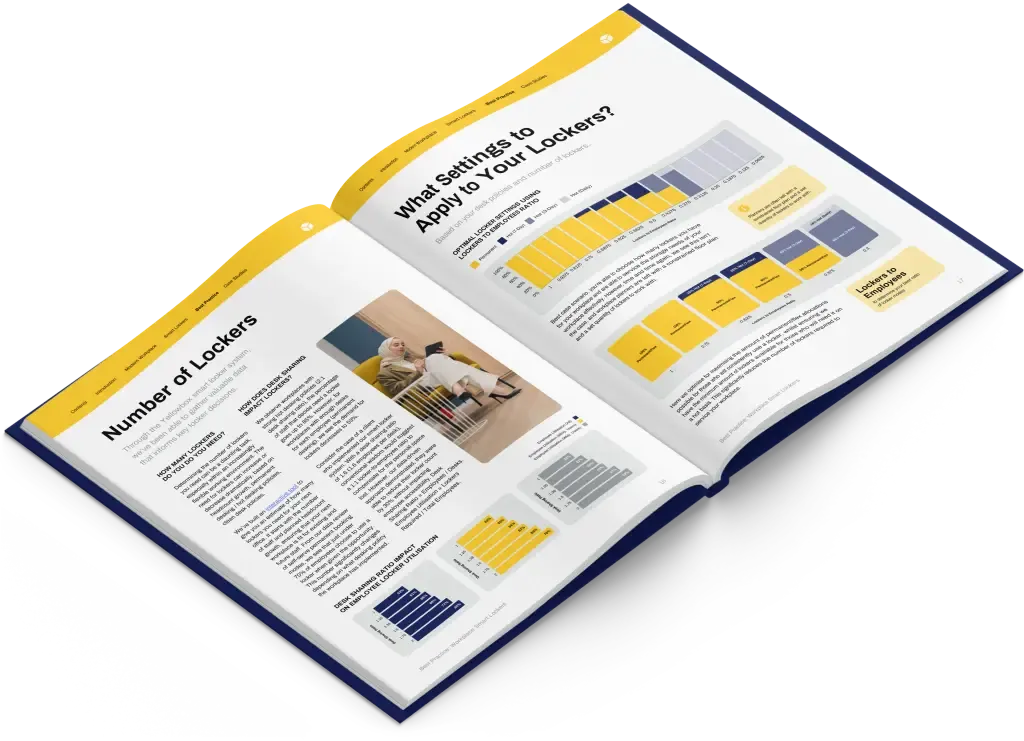
Get the best-practice guide to planning, implementing and managing workplace lockers, with insights from hundreds of workplaces.